> For the complete documentation index, see [llms.txt](https://docs.ston.fi/llms.txt). Markdown versions of documentation pages are available by appending `.md` to page URLs; this page is available as [Markdown](https://docs.ston.fi/developer-section/widget.md).
# Widget
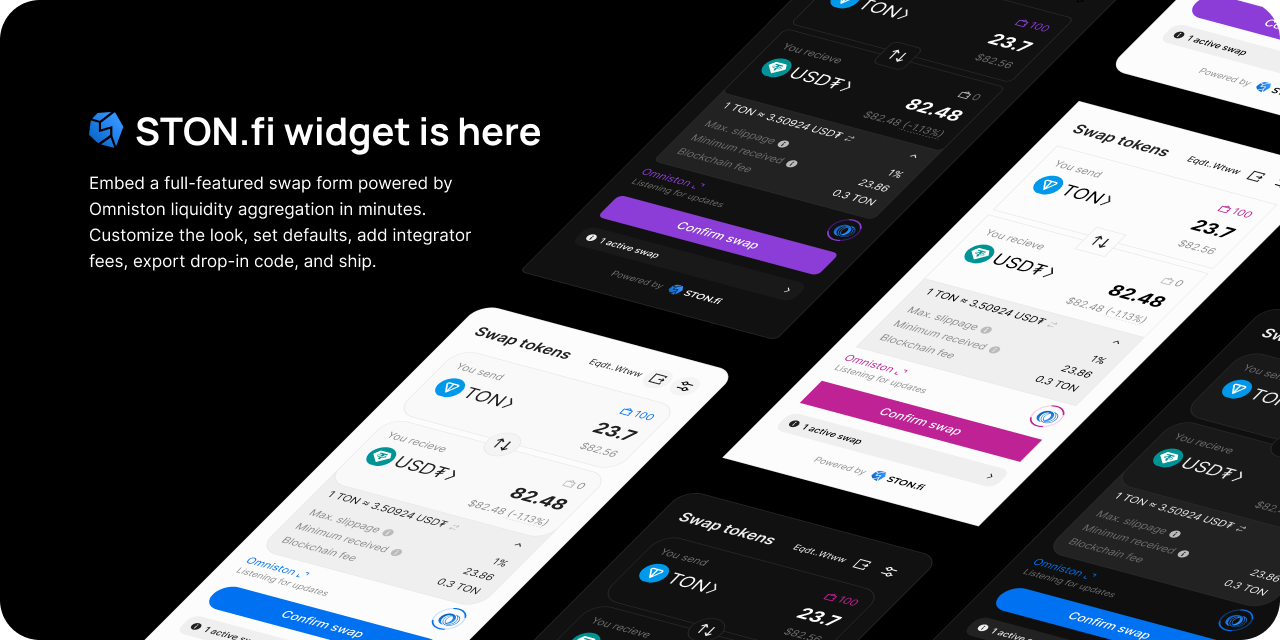
Embed a ready-made TON swap interface with configurable wallets, assets, fees, and styling.
The Widget adds a ready-made TON swap interface to an application or website. Choose it when you want to configure the interface instead of building quote, wallet, and swap UI yourself. For a custom aggregated flow, use [Omniston](/developer-section/omniston.md).
## Start integrating
Use [Integration and configuration](/developer-section/widget/widget.md) to install the npm loader or CDN script and configure TonConnect, fees, styling, and lifecycle events.
Use standalone TonConnect when the Widget manages the connection, or integrated mode when the application already owns the TonConnect instance. Host the manifest at the real application URL.
## Visual constructor
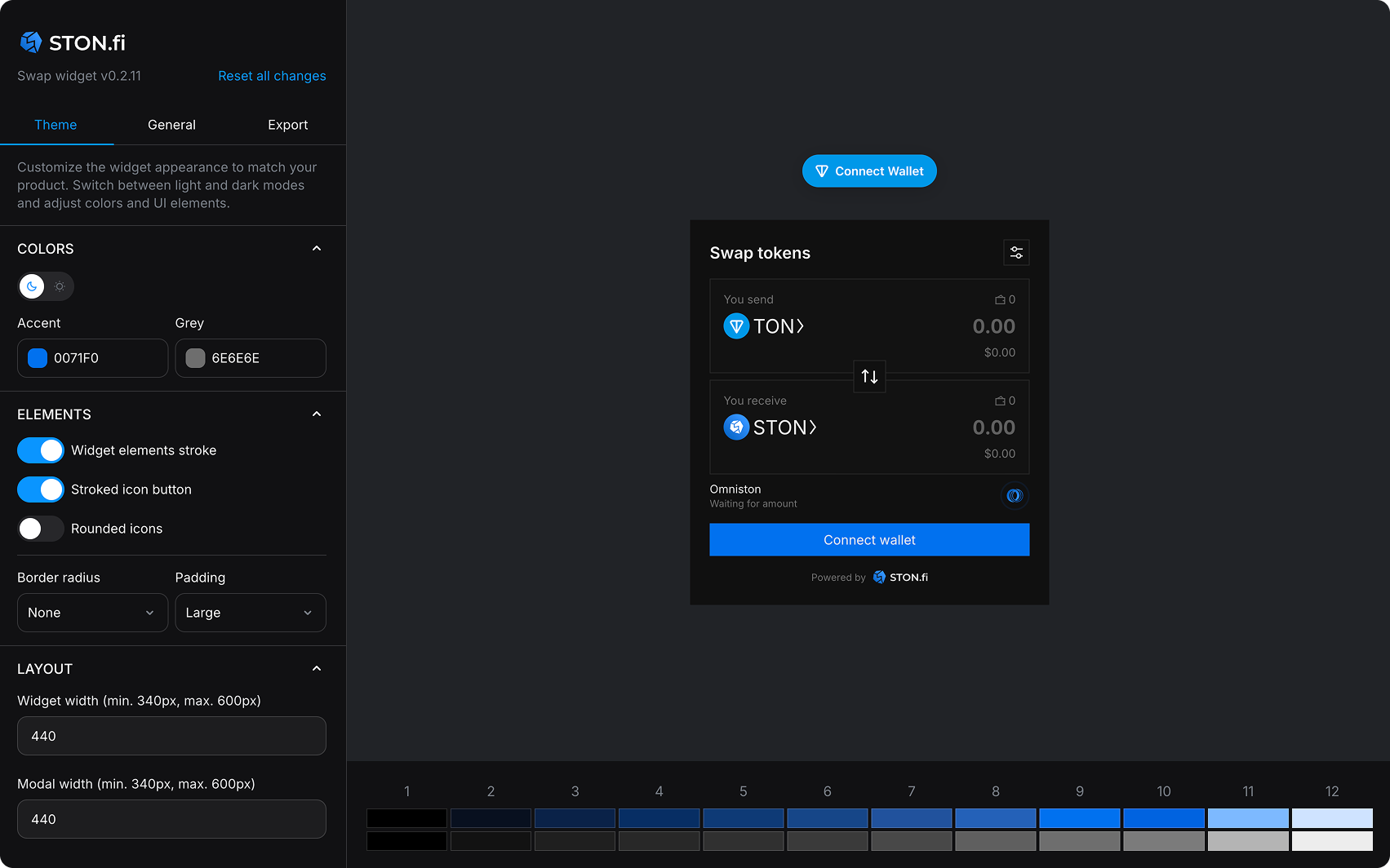
**Quick customization without code:** Use our visual widget constructor at [widget.ston.fi/constructor](https://widget.ston.fi/constructor) to configure your widget interactively.
The constructor provides:
* **Theme customization**: Start from light or dark and adapt to your brand
* **Asset list control**: Use default assets, add your own, or replace the list entirely
* **Referral fees**: Configure your referrer address and fee
* **Code export**: Copy ready-to-use CSS and JS snippets
To configure the Widget in code, see [Configuration options](/developer-section/widget/widget.md#configuration-options).
## Reference walkthrough
Want to see the widget in action quickly? Use Lovable to generate a working example:
🚀 Build with Lovable
Click the button above to automatically generate a working webpage with the STON.fi swap widget integrated.
> ⚠️ **Note:** If you see 'Failed to load Manifest: 404' that's because you are in Lovable website and you test it in preview mode. Publish the app, replace the URL inside `manifest.json` with the published URL, and then publish the app again after changes. If you're in free credit mode and can't manually change the manifest, prompt and paste the URL so the agent will replace it. Then go to the published URL to test the connection.
You can also follow along with a recorded walkthrough:
{% embed url="" %}
## Fees and customization
Set `referrerAddress` and `referrerFeeBps` to receive fees, and customize assets and CSS variables to match your application. See [Configuration options](/developer-section/widget/widget.md#configuration-options), [Widget styles](/developer-section/widget/widget.md#customize-widget-styles), and [Integrator fees](/developer-section/omniston/referral-fees.md#widget-and-direct-dex-compatibility).
---
# Agent Instructions
This documentation is published with GitBook. GitBook is the documentation platform designed so that both humans and AI agents can read, navigate, and reason over technical content effectively. Learn more at gitbook.com.
## Querying This Documentation
If you need additional information that is not directly available in this page, you can query the documentation by asking a question.
Perform an HTTP GET request on the following URL with the `ask` and `goal` query parameters:
```
GET https://docs.ston.fi/developer-section/widget.md?ask=&goal=
```
`ask` is the immediate question: it should be specific, self-contained, and written in natural language.
`goal` is what the user is ultimately trying to achieve, the reason they need the answer. Sharing it helps GitBook give you a better, more relevant answer. A goal is most helpful when it describes the outcome the user wants rather than restating the question. For example, with `ask=how do I create an API token`, a goal like `automate deployments from our CI pipeline` lets GitBook tailor the answer to that use case.
The response will contain a direct answer to the question and relevant excerpts and sources from the documentation.
Use this mechanism when the answer is not explicitly present in the current page, you need clarification or additional context, or you want to retrieve related documentation sections.